
Capture Bridge (easy capture card share)
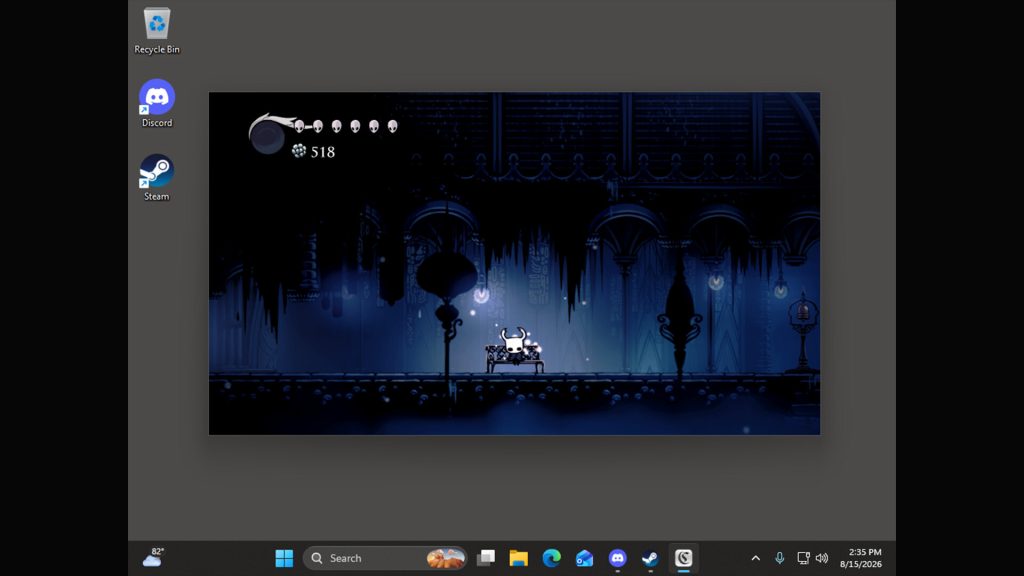
Capture Bridge is a Windows and macOS utility that presents the feed from a USB capture card in a small, low-latency window. This window can be screen-shared through software such as Discord, or used on its own to play or watch a connected console directly on a computer. The user selects their capture card, starts the preview, and shares the window. The application manages the audio routing itself, which is intended to avoid the doubled or missing game audio that can occur when a capture card is shared using OBS, a virtual audio cable and manual monitoring.
Two audio modes are available. In This computer mode, the game audio plays through the computer’s speakers or headphones while also being sent to viewers. In HDMI passthru mode, the user listens through their TV or monitor, and Capture Bridge keeps its own local output silent while still passing the audio on to viewers. On Windows, HDMI passthru mode relies on the included VB-CABLE driver; on macOS, it uses the included Capture Bridge Audio driver. A guided setup runs on first launch to configure the audio routing.
Additional features include live controls for resolution and frame rate, and an overlay that is not visible in the captured video, so on-screen controls do not appear in the shared feed. The application is described as native and lightweight, with no scene graph. Accessibility options include a high contrast mode and interface scaling. The software has been released on Steam, where it currently has one user review.
Steam data
Synced 1 day agoReviews
1 user reviews
Latest from the developer
Announcements posted by the developer on Steam.