Memnon: Give Your Games a Voice
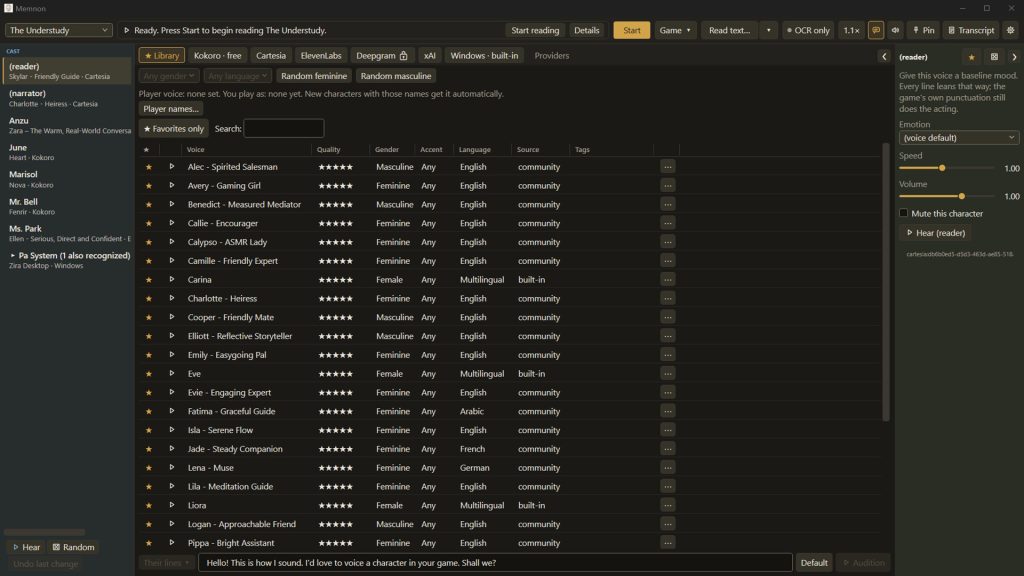
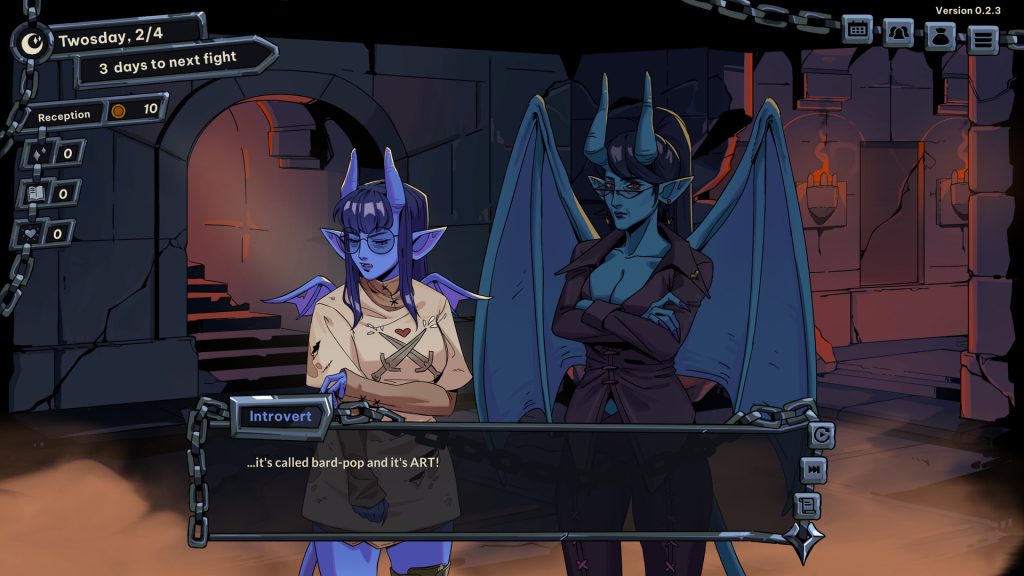
Memnon is a text-to-speech companion application for Windows rather than a game in itself. It runs alongside another game and uses optical character recognition to read dialogue as it appears on screen. Setup involves drawing three regions once: the dialogue text, the speaker’s nameplate and the dialogue box. A setup wizard guides this process. Whenever a new character name is detected it is added to a cast list, and a small popup allows a voice to be assigned. From then on lines are spoken in the matching voice with no further input, and a dialogue-box guard is intended to prevent unrelated screen text from being read.
The application ships with 28 voices that run locally on the CPU, with no account, subscription or network connection required. Two or more Kokoro voices can be blended with a mix slider, and saved voices carry across to other games. Per character, users can adjust volume, mute entirely or correct name pronunciation. Hotkeys handle pausing, skipping back or forward a line, changing reading speed and reading a specific line or any snipped part of the screen on demand. A Read text window speaks pasted or typed text, and a full transcript logs everything spoken. An optional Script Sync feature imports a game’s script file and matches on-screen text to the written lines for improved accuracy. Paid cloud voices from Cartesia, ElevenLabs and Deepgram can be used by entering a personal API key, billed by the provider. Memnon does not modify, patch or inject anything into the target game.
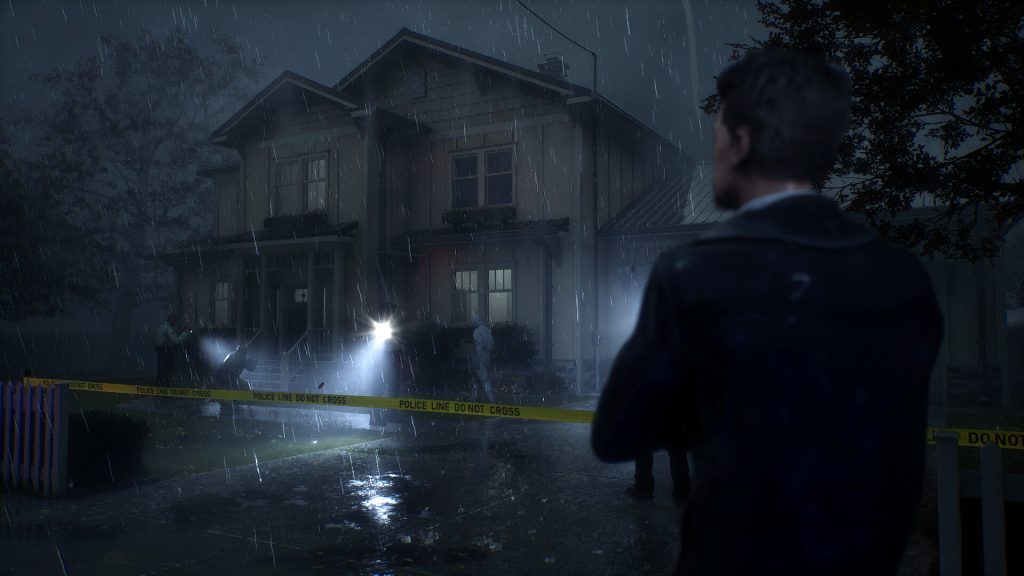
The developer states that accuracy depends on the game, with clean dialogue boxes reading reliably and handwritten fonts, transparent text boxes or heavy text effects causing more misreads. A list of tested titles is maintained on the store page, noting for example that CLANNAD reads reliably while Aurelia and Undertale present difficulties. Accessibility features include a read-the-whole-window mode, shareable setup profiles, keyboard navigation of the Memnon window, Windows High Contrast support and compatibility with NVDA. It requires Windows 10 version 1809 or newer and may need the English (US) language pack from Microsoft. Some exclusive fullscreen games must be switched to windowed or borderless mode. Steam Deck is not supported.
Steam data
Synced 1 day agoReviews
No user reviews